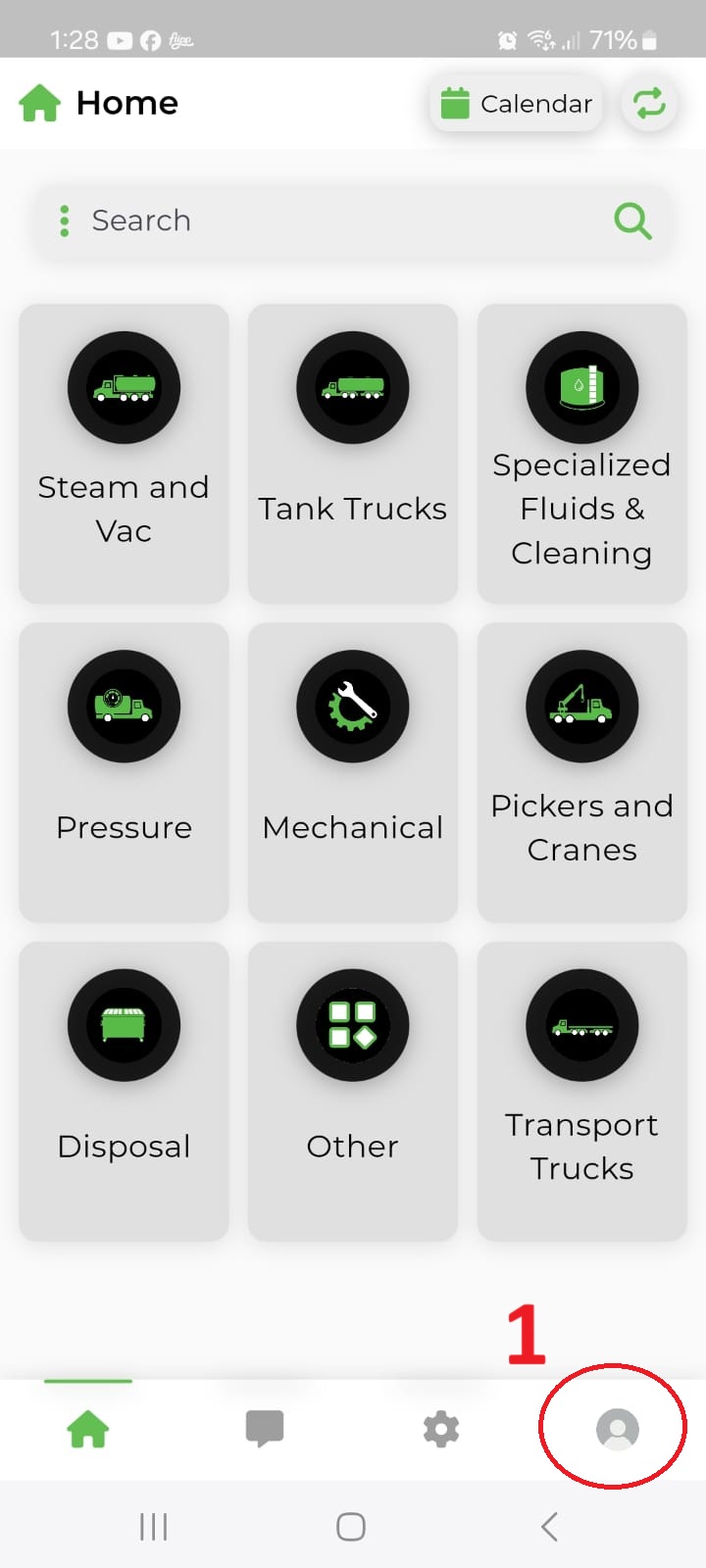
Open Profile
Tap the profile icon in the bottom-right corner of the app.

Account deletion is available directly inside the Manzer mobile app. This page is provided as a public help URL for Google Play Console and explains exactly how to complete the deletion request in the app.
Follow the same sequence shown in the screenshots below.
Tap the profile icon in the bottom-right corner of the app.
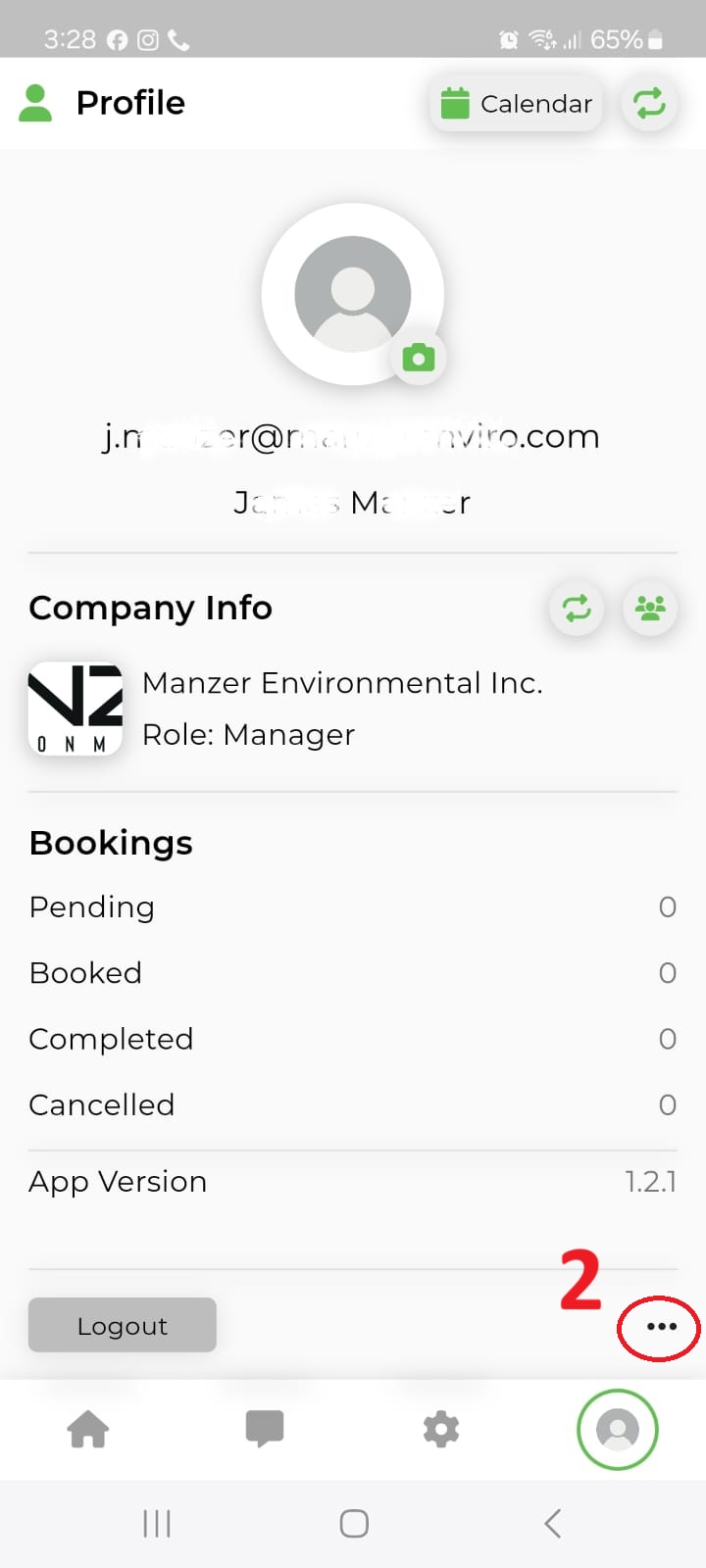
From the profile screen, tap the more options button.
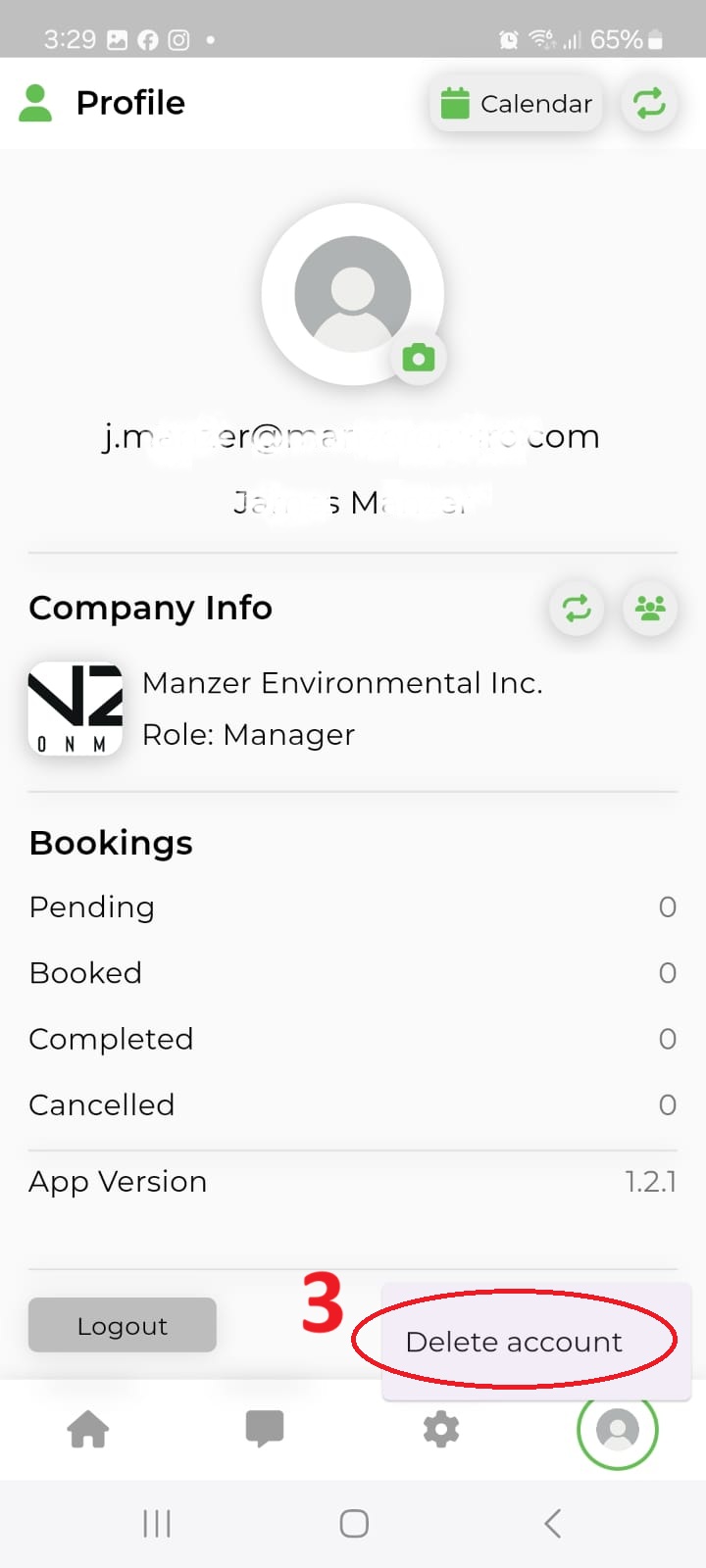
Choose Delete account from the menu list.
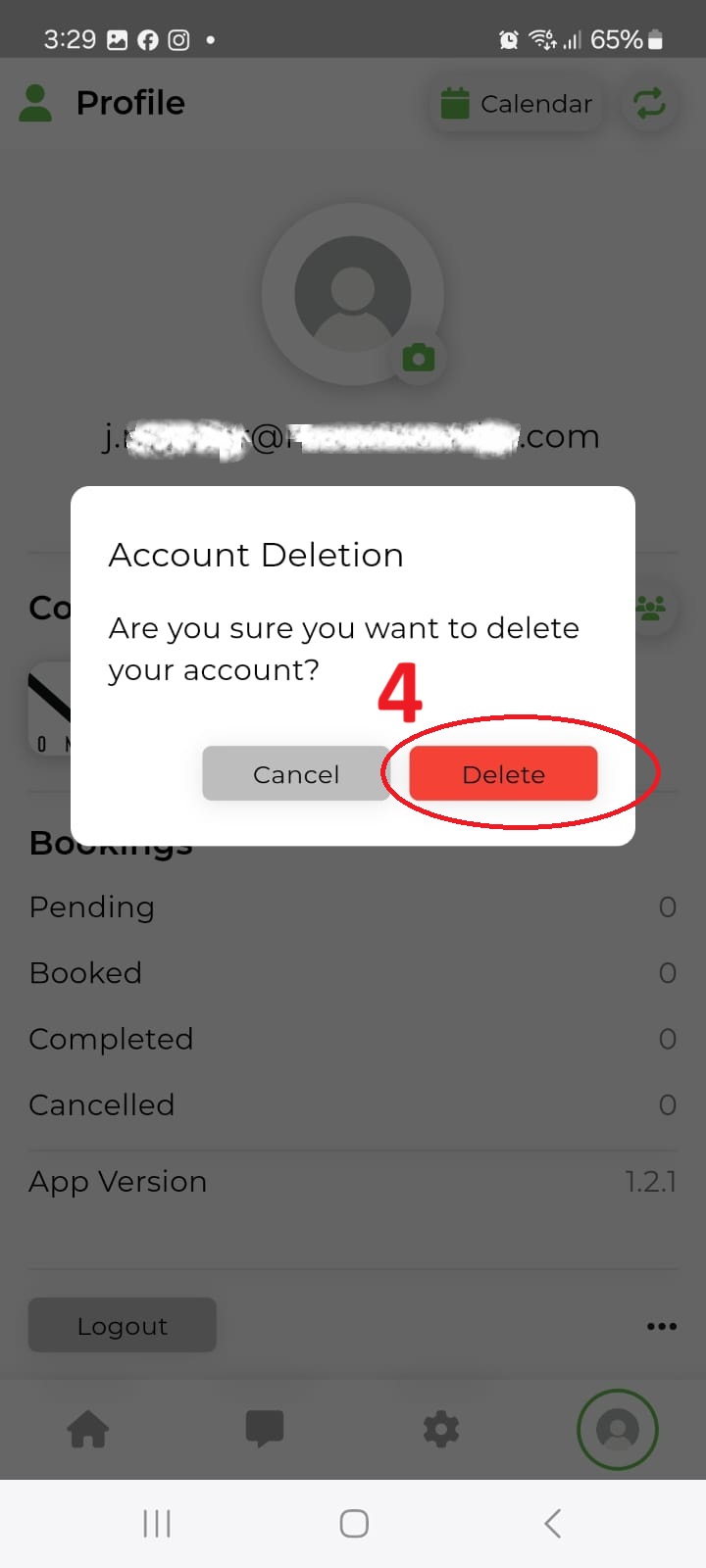
Review the confirmation dialog, then tap Delete to permanently delete the account.